Here's a step by step instruction on how to change the wallpaper of an Eee Pc laptop. =D
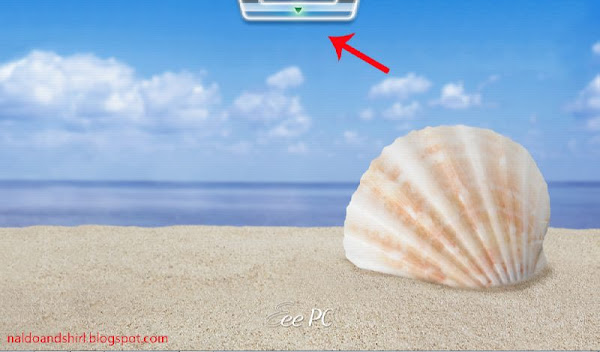
Step 1: Click on the Dock. (little bar with arrow pointing down on your desktop)
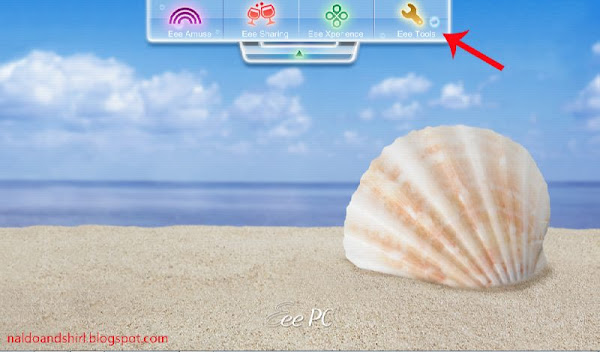
Step 2: Click on Eee tools.
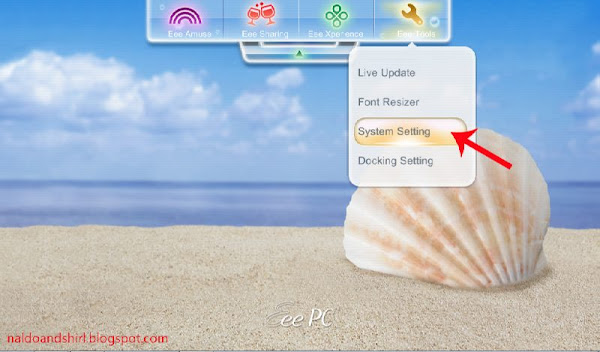
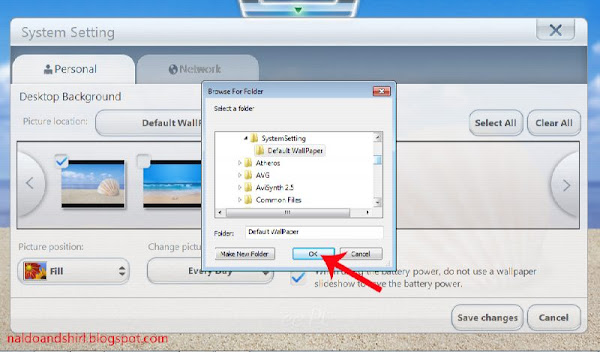
Step 3: Click on System settings. (system setting dialog box will appear, it will take a little bit of
time if it is your first time opening it.)
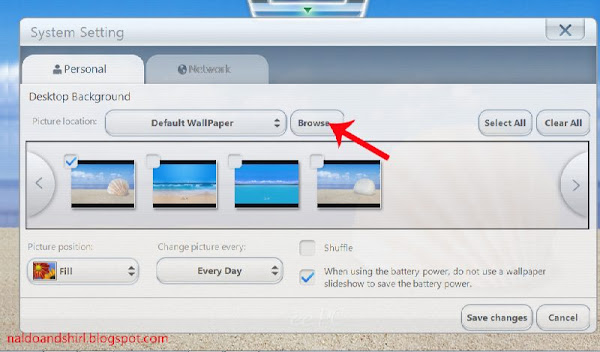
Step 4: Click on browse and locate the folder of your preferred desktop background then click
OK.
Step 5: Enjoy a new view!
